eRules Subscriptions
eRules Help
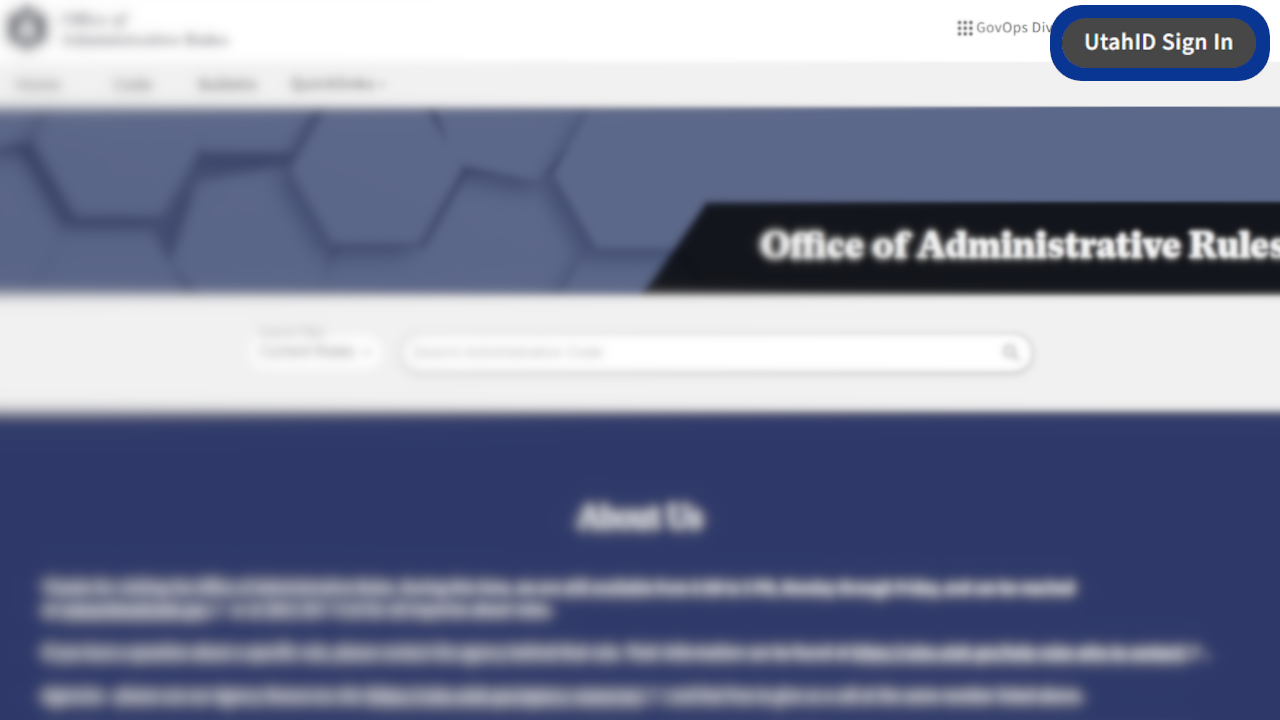
Subscribing to Administrative Rules and Titles in eRules
eRules allows users to receive email notifications for agency administrative rulemaking actions through a subscription service. For subscription management, including adding, removing, or changing subscriptions, follow the guides on this page.
Subscribe to a Rule
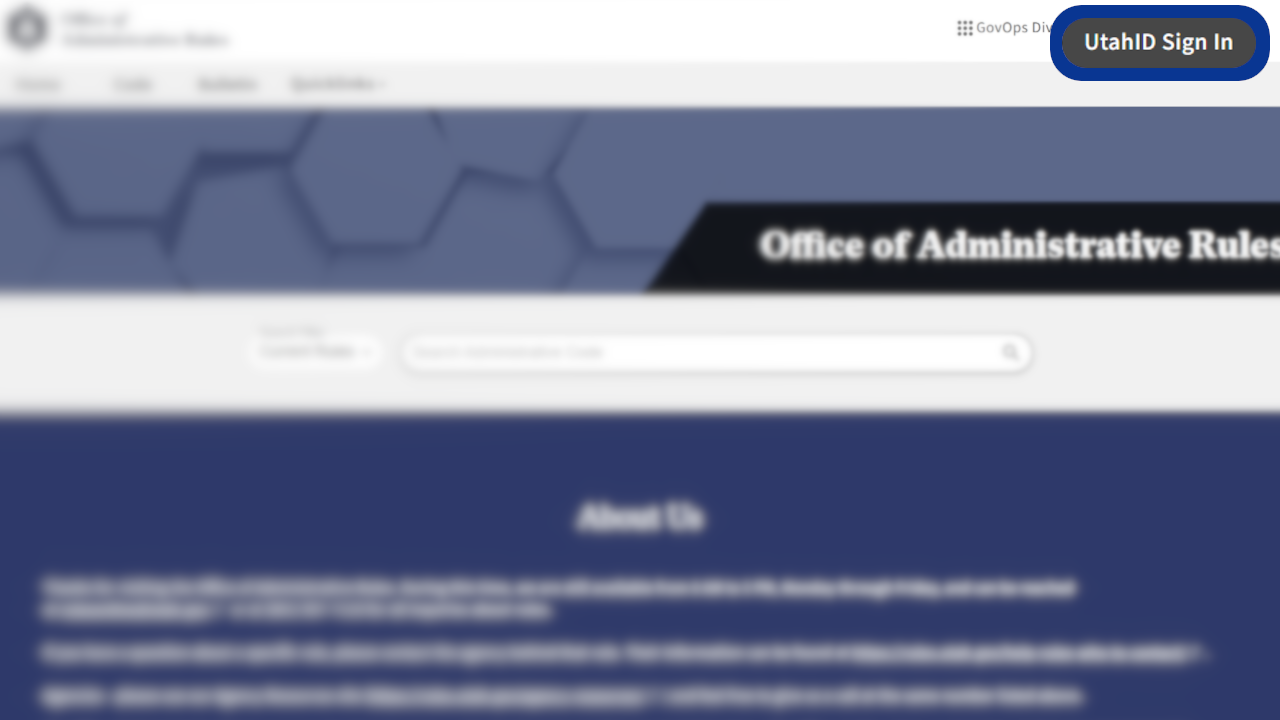
Subscribing to rules, titles, or agencies through eRules requires a UtahID account. For help creating a UtahID account, visit Account Creation | Division of Technology Services. If you're already logged in, start at step 3.
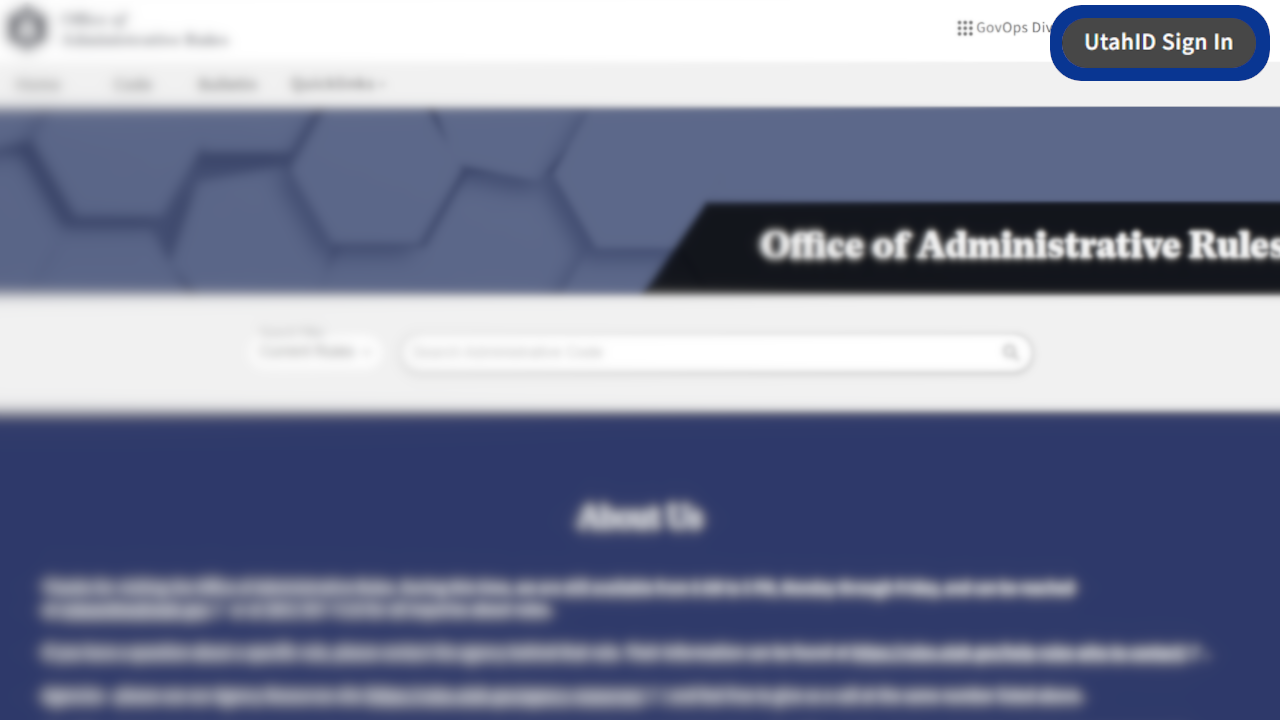
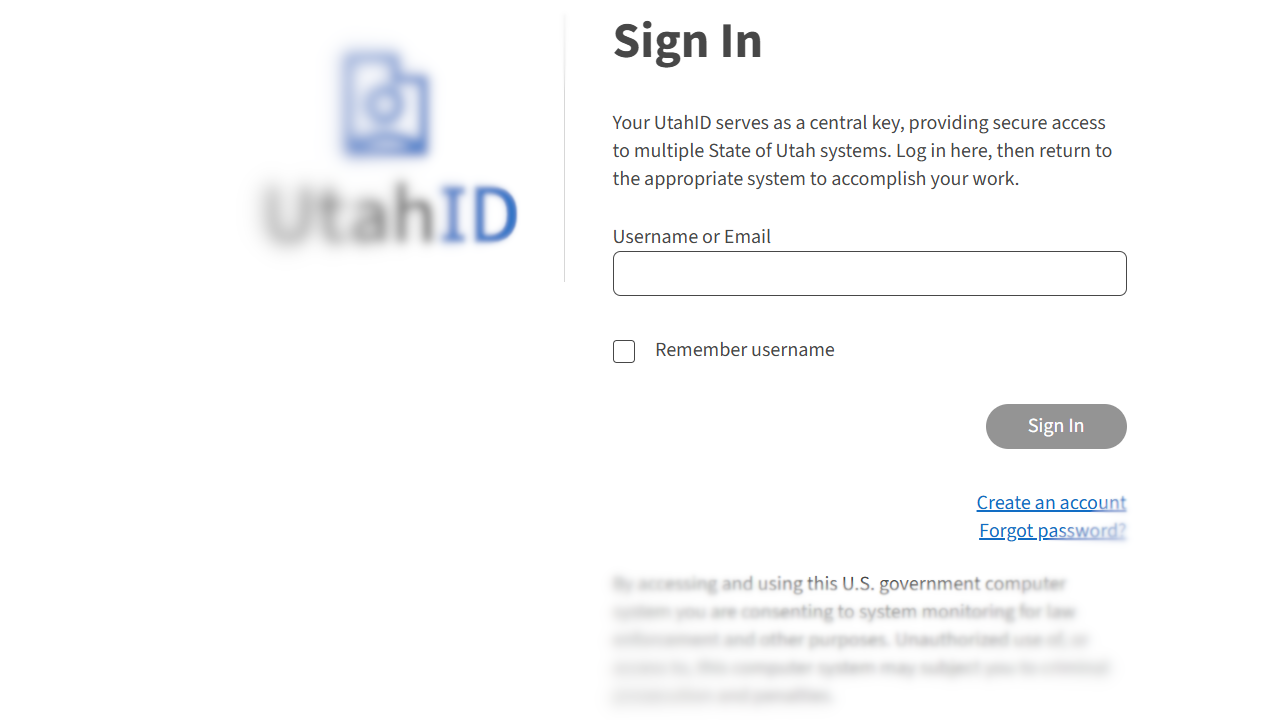
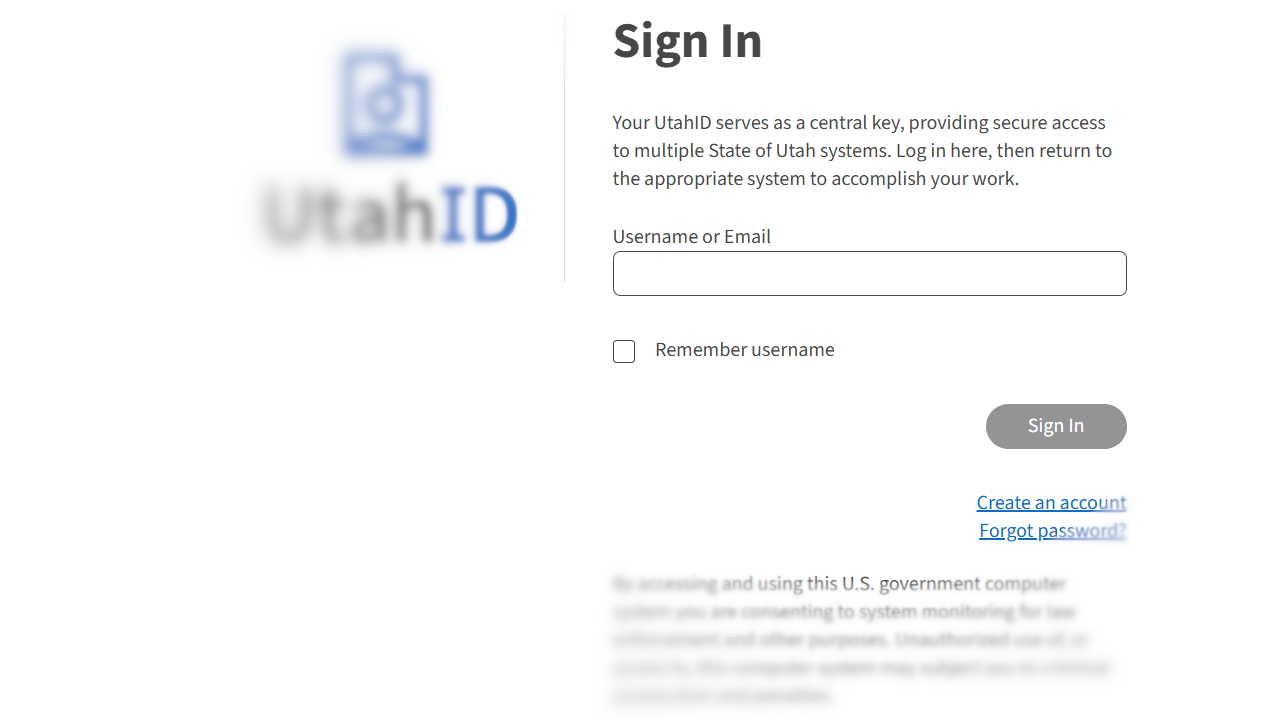
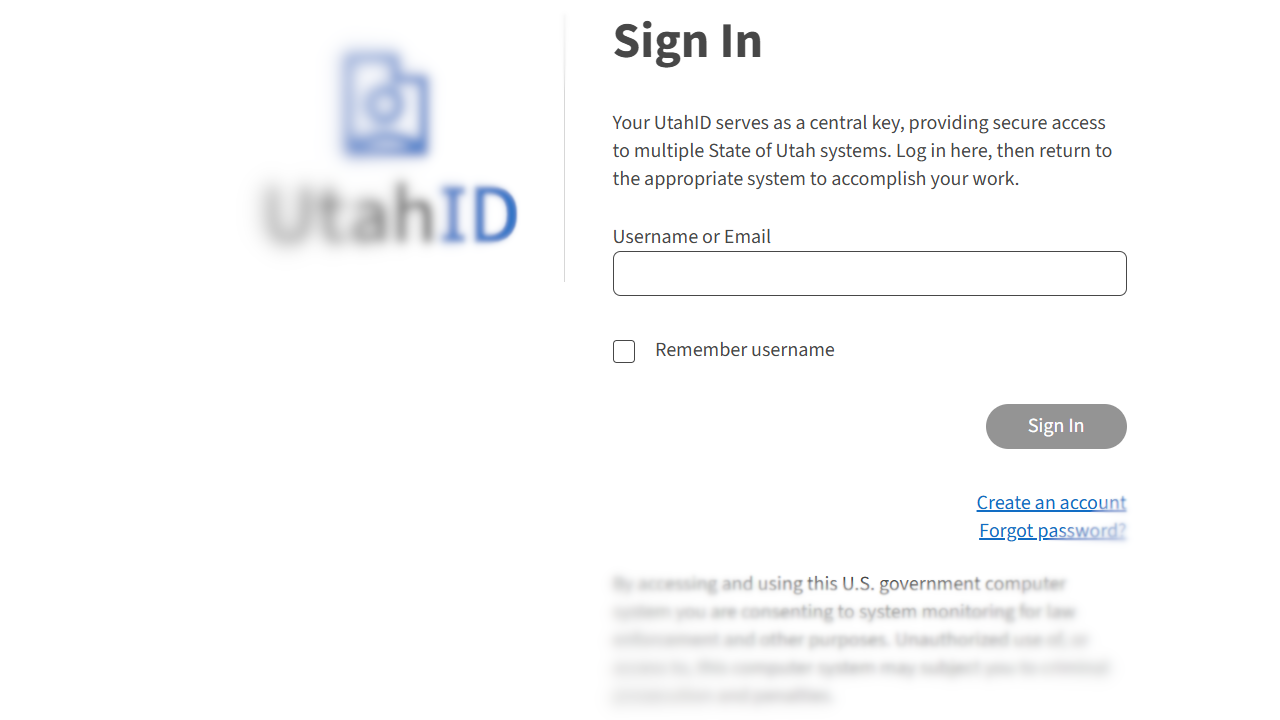
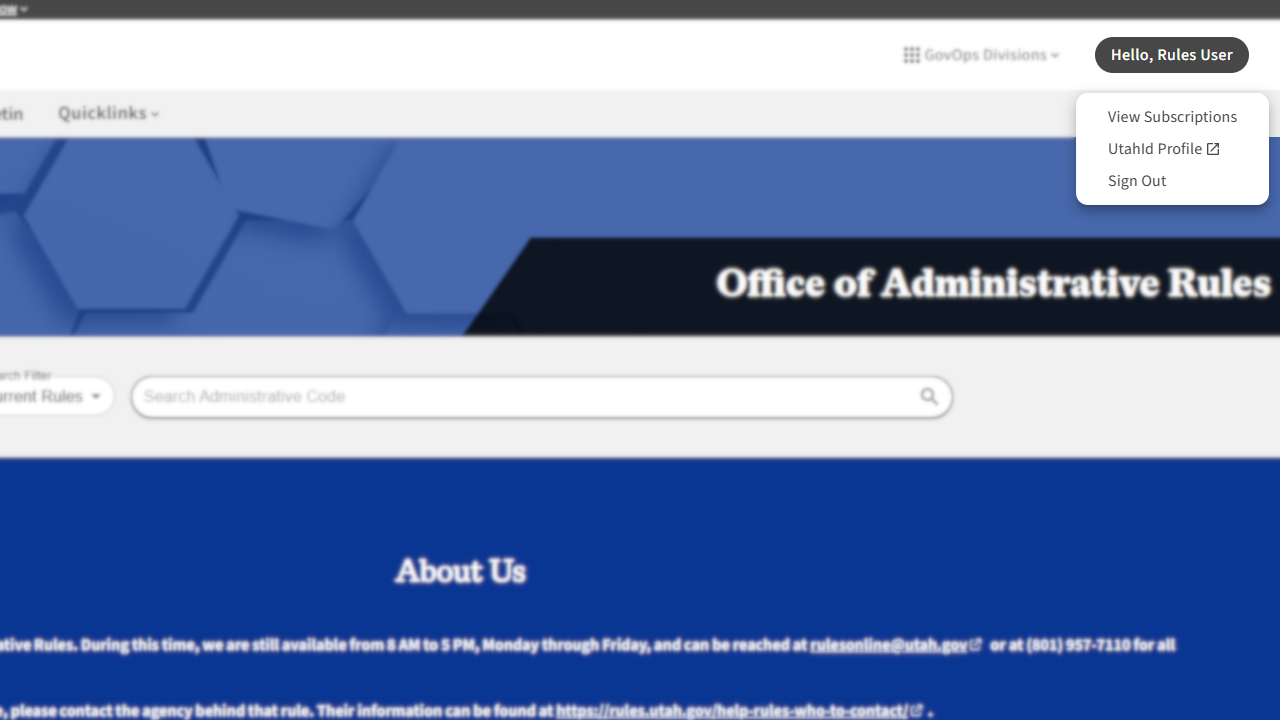
2. Log in using your UtahID credentials. After logging in, you will be redirected to the home page, and can verify your active session by seeing Hello, [Your Name] on the top right.
Note: you may already be logged in. If you are not asked to enter your username/email or password, please ensure that you are logged in under the correct account. This is especially important on shared computers or devices.
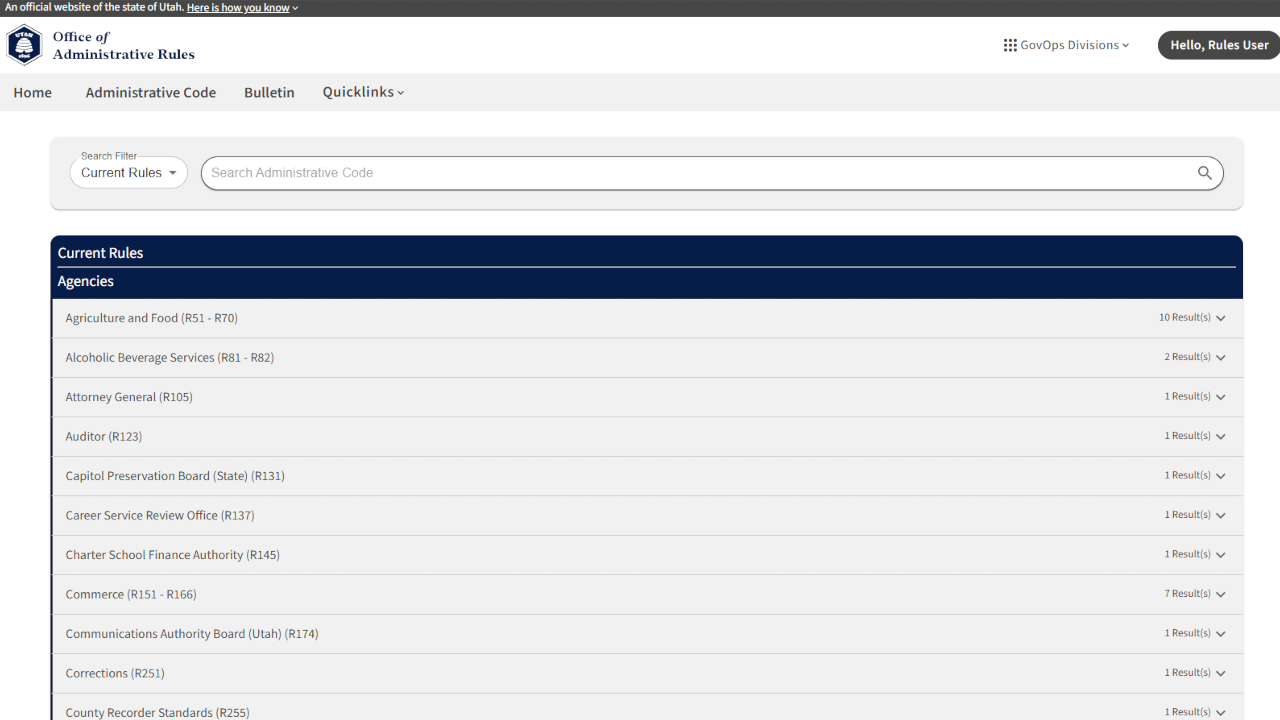
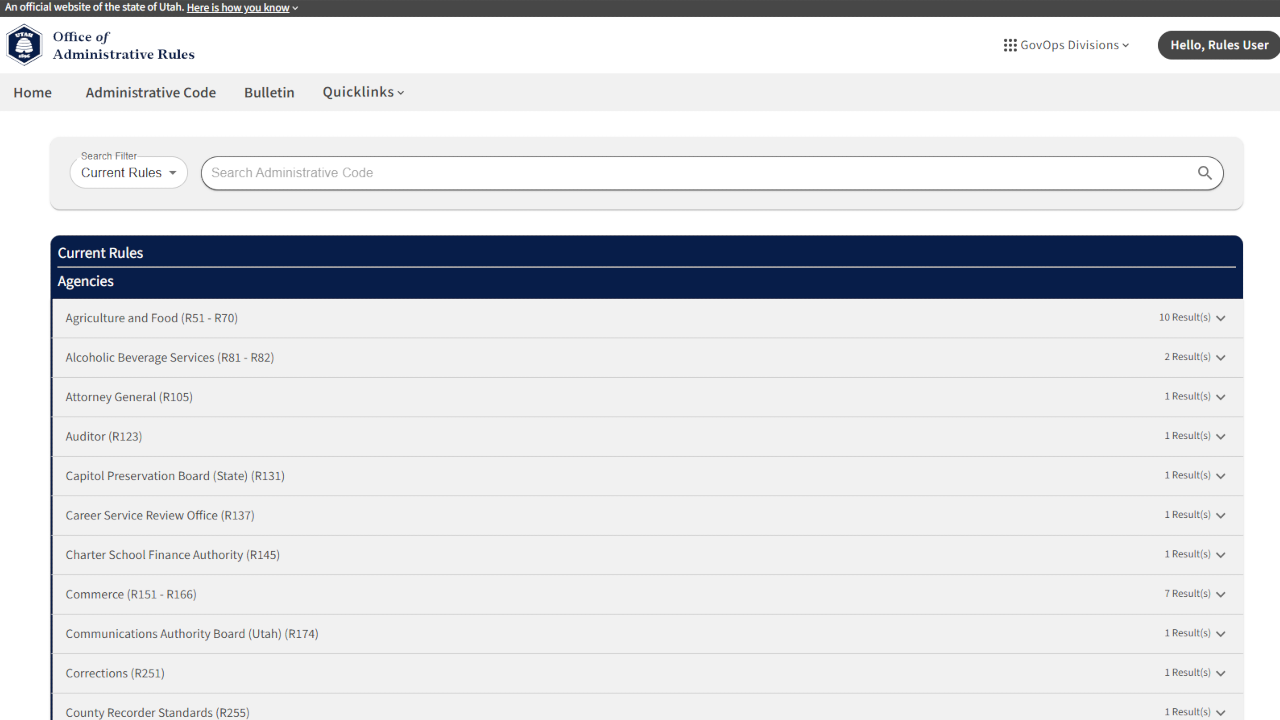
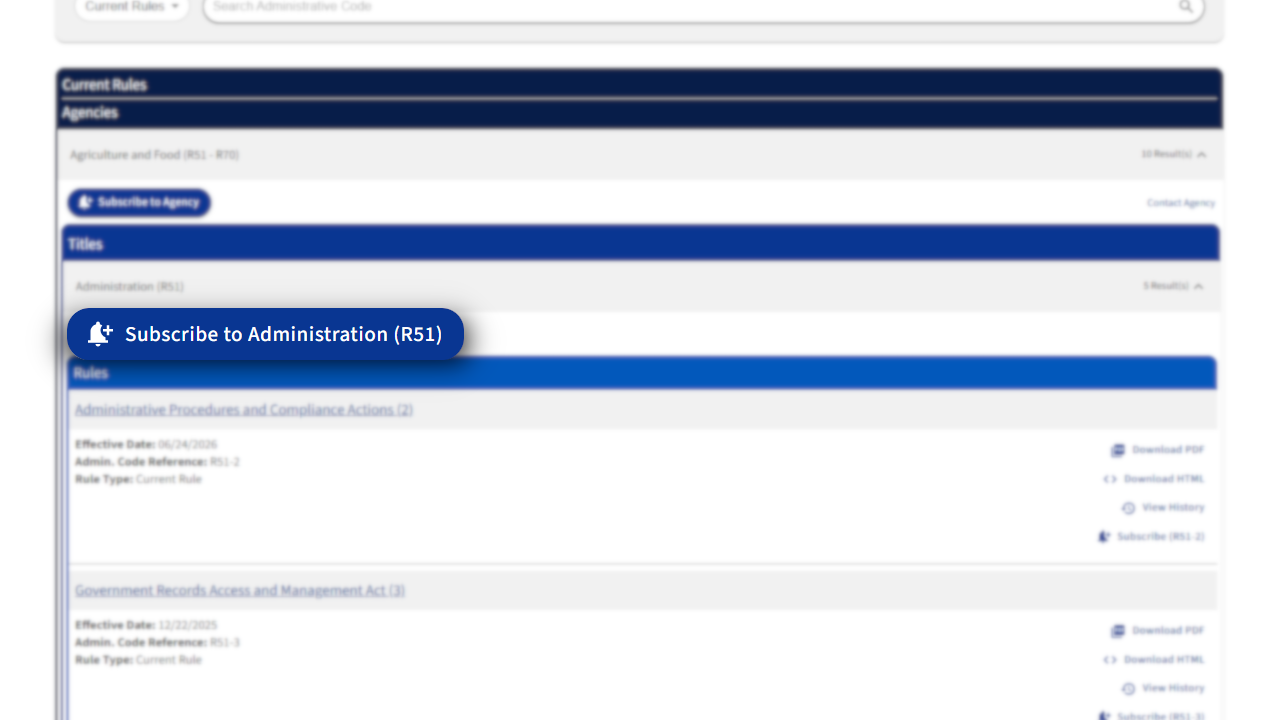
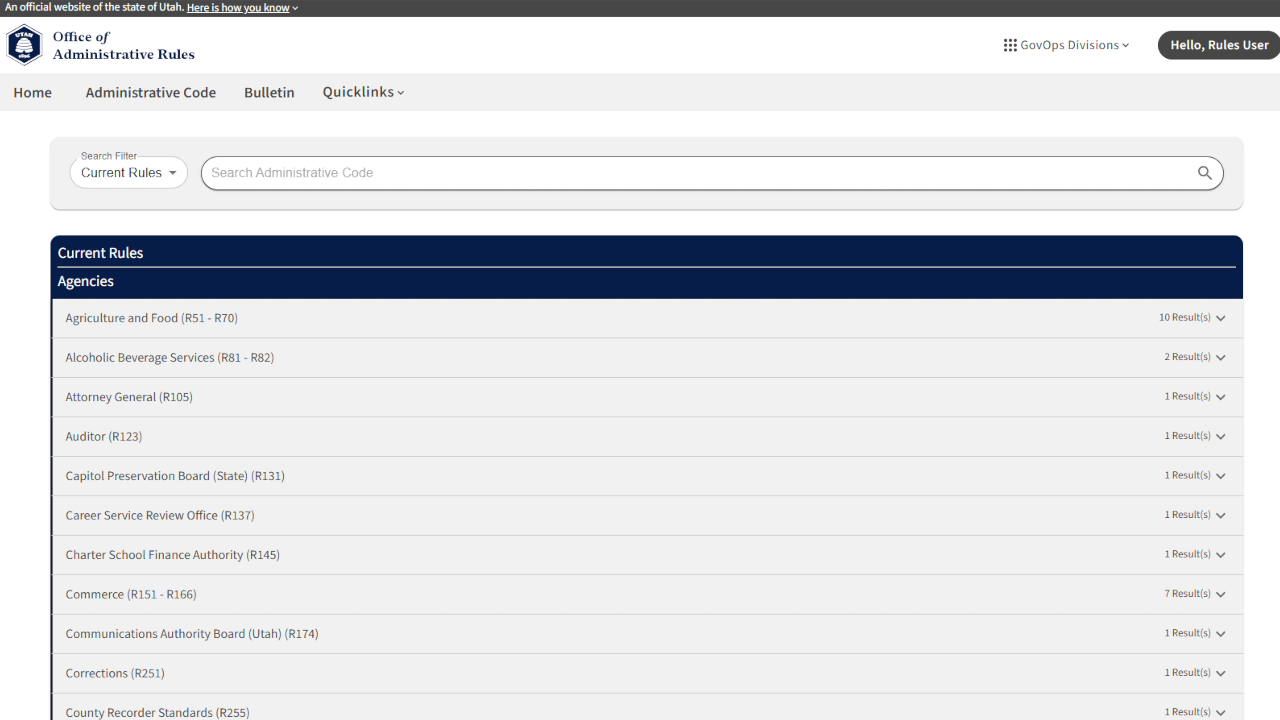
3. Navigate to the rule to which you want to subscribe, or select here to view the entire administrative code. To navigate to a rule, expand the parent agency by selecting it on the complete agency list, then expand the parent title by selecting it.
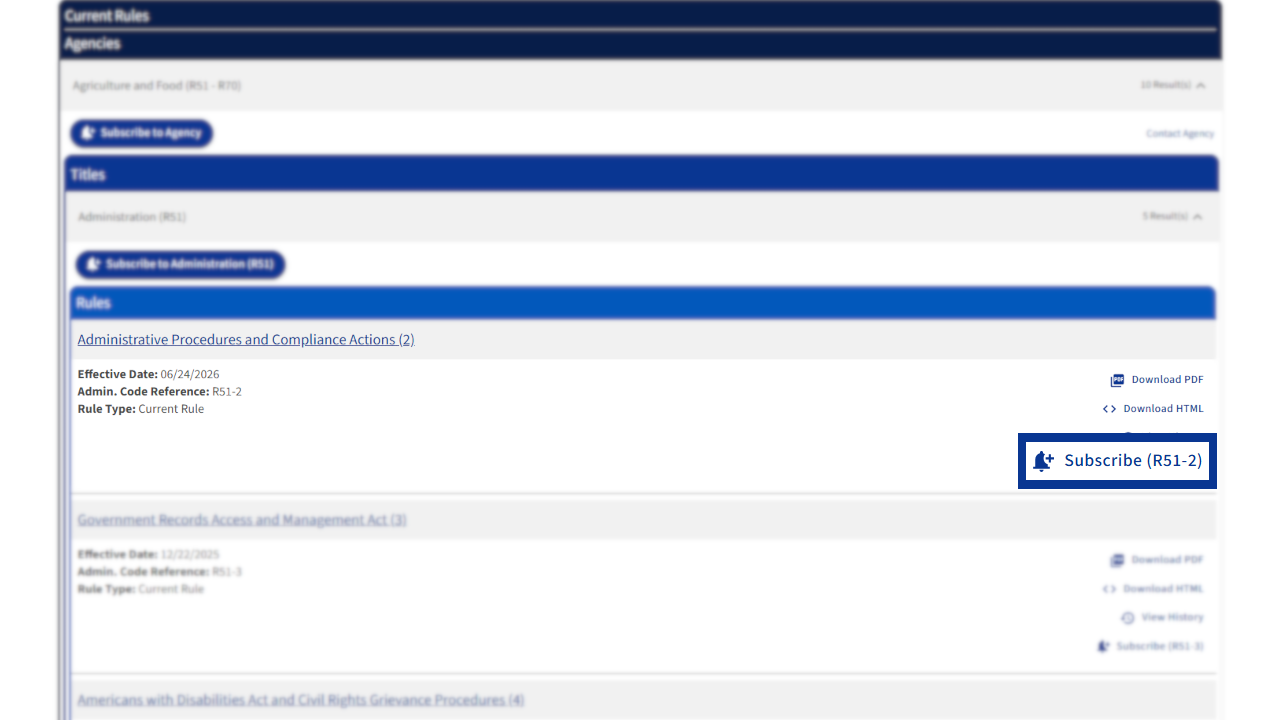
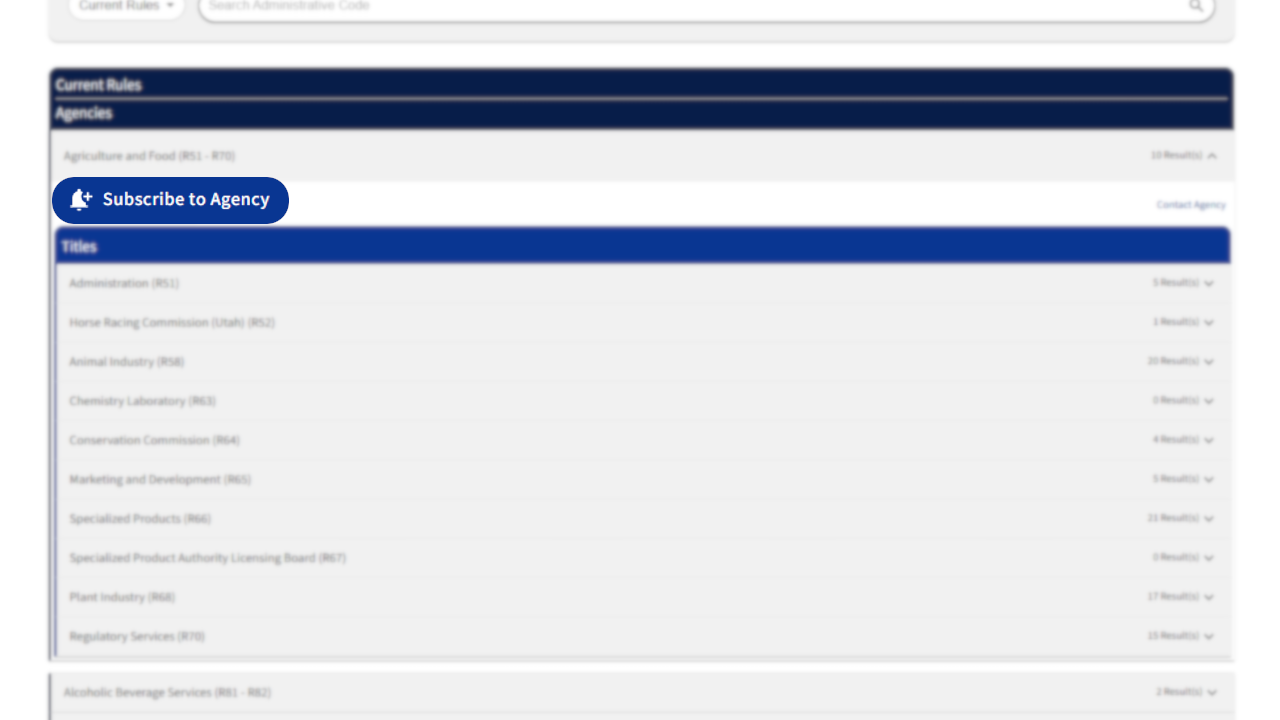
4. Select the desired title to expand the accordion, and then select Subscribe (R#), located on the right of the rule's row.
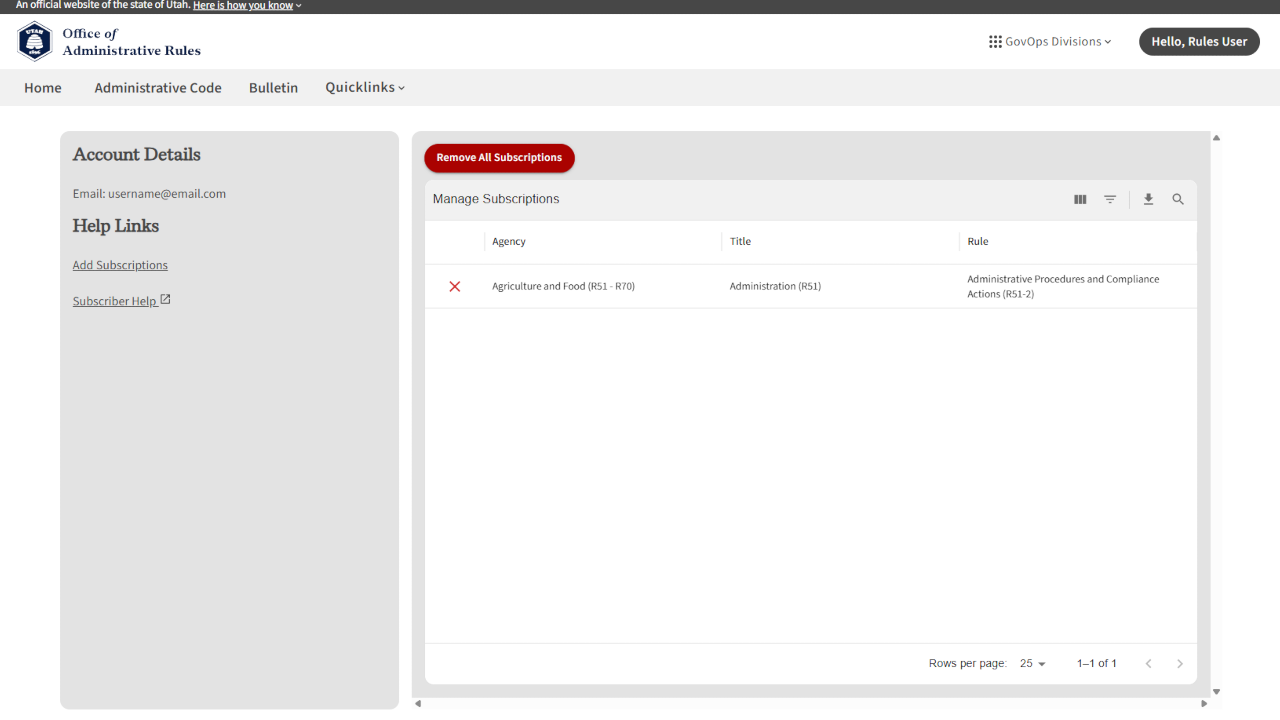
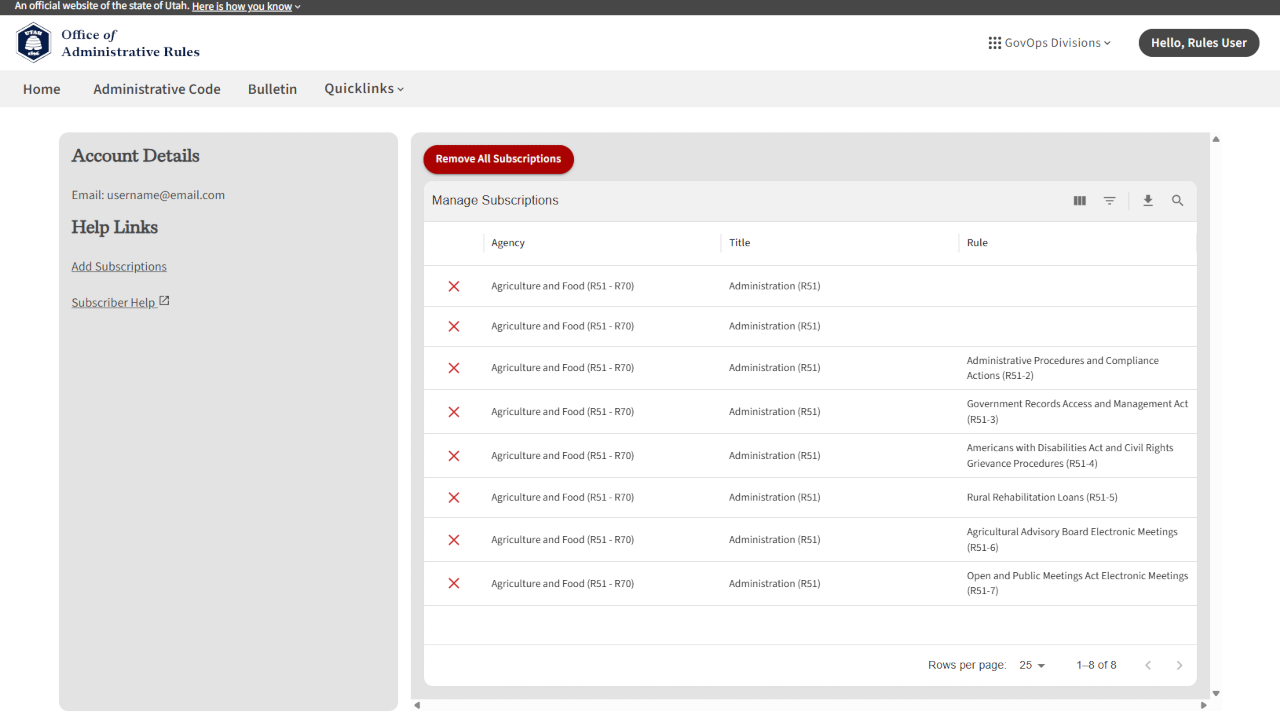
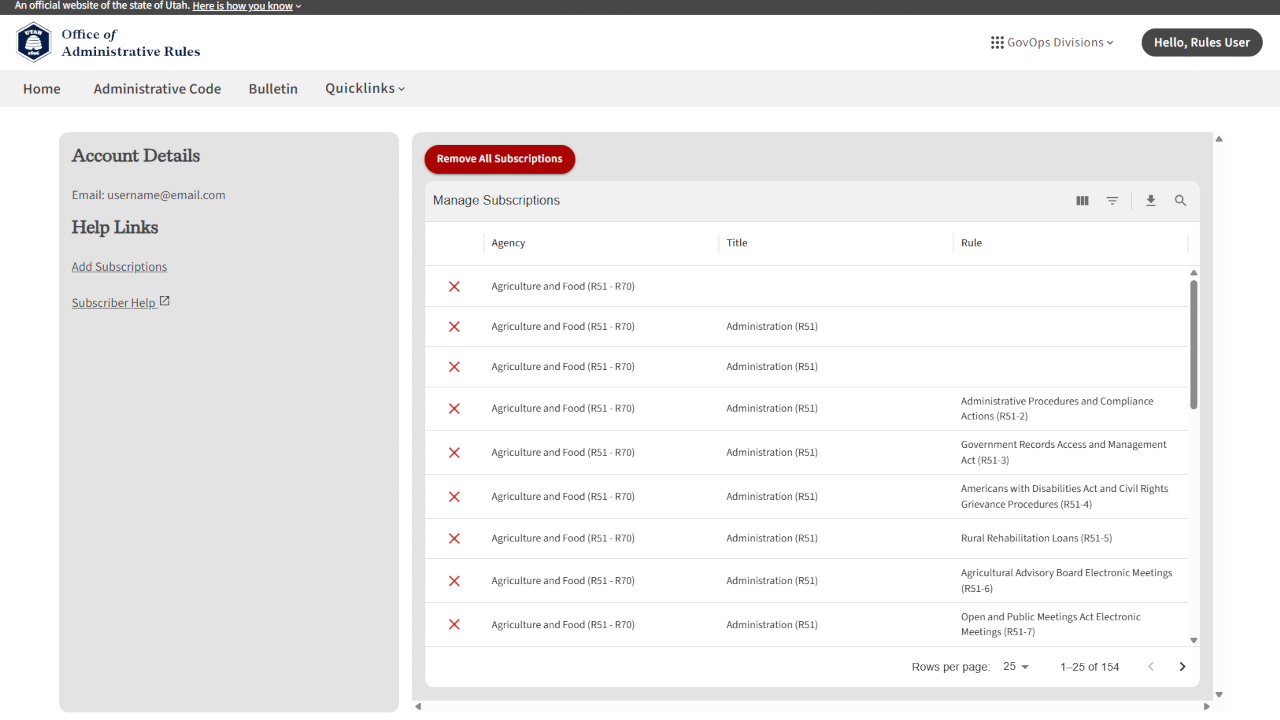
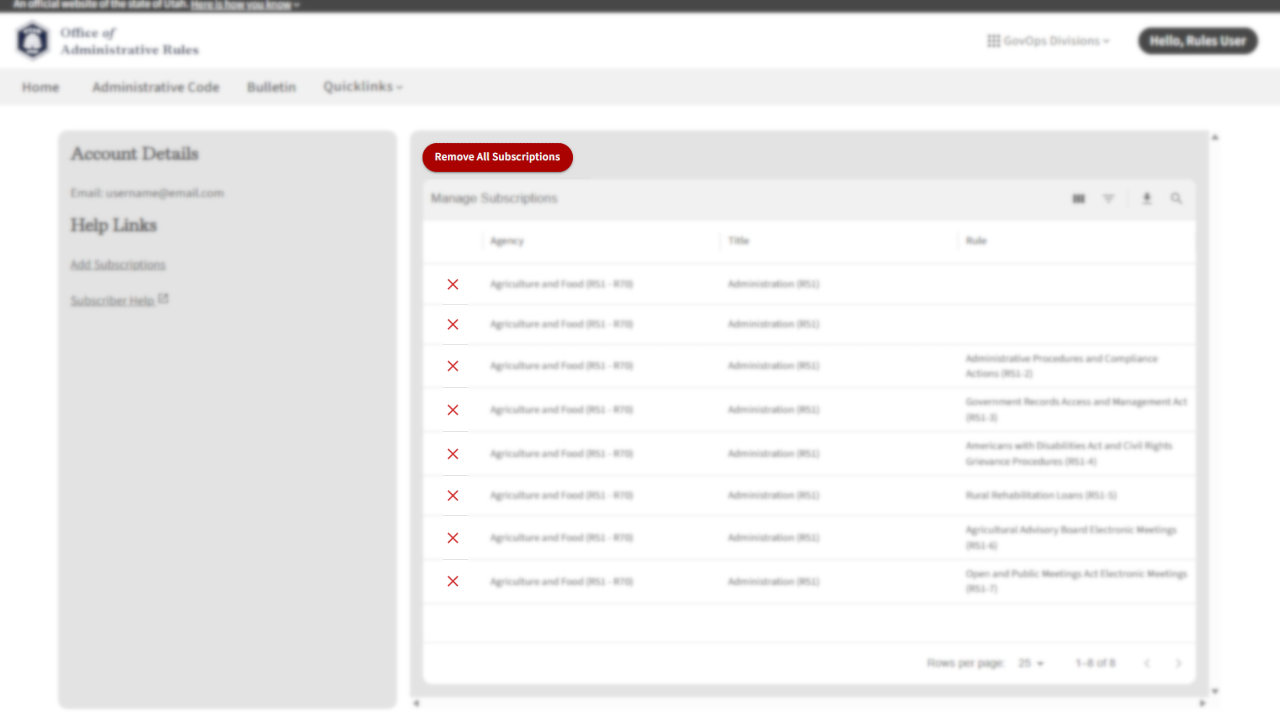
5. To verify the added subscription, visit the View Subscriptions page to view a complete list of rule, title, and agency subscriptions attached to your UtahID.
Give feedback about this article


Other eRules Help Articles
eRules User Accounts
Learn how to create, change, or remove an agency user account in eRules.
Download a Current Rule List
Learn how to download a list of current rules in eRules.
Download Rules and Filings
Learn how to download current rules and filings through eRules.
File a Proposed Rule
Learn how to file a proposed rule filing in eRules.
File a Notice of Effective Date
Learn how to file a Notice of Effective Date in eRules.
File a Five-Year Review
Learn how to file a notice of five-year review in eRules.