Petitioning for Access
1. Visit
eRules at adminrules.utah.gov and select
State Login on the top right.

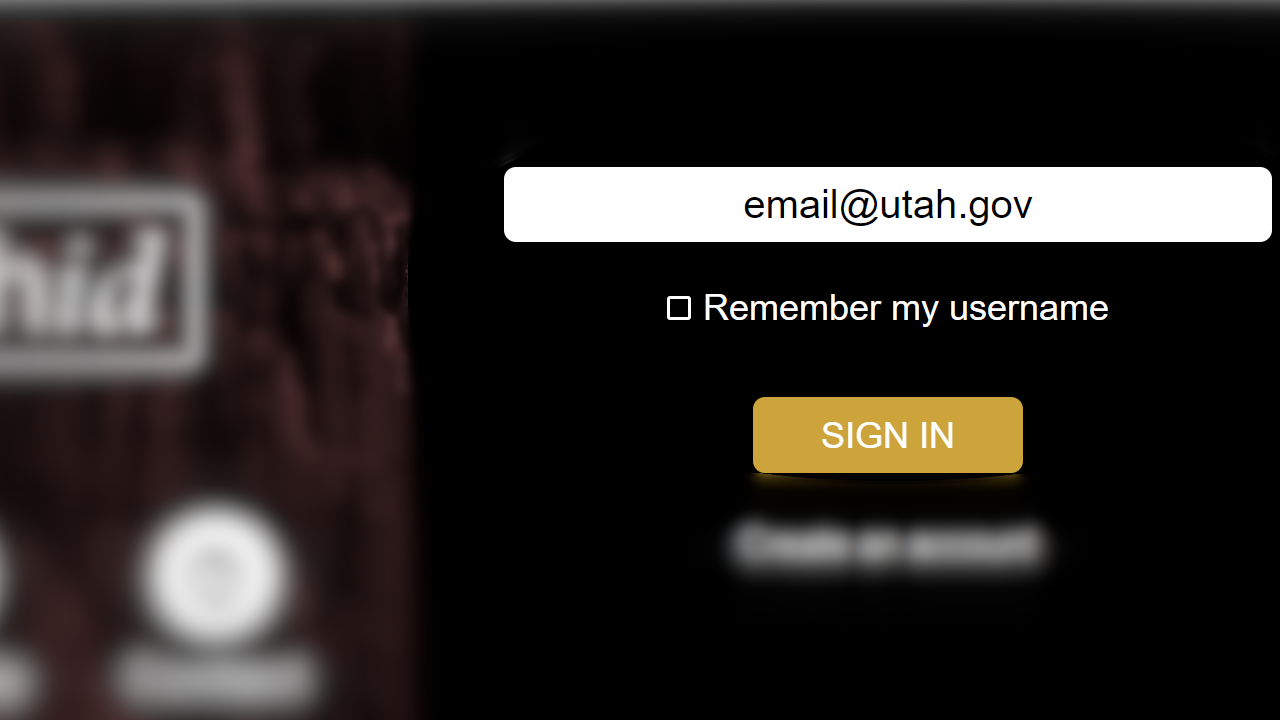
2. Log in using your UtahID credentials.
Note: you may already be logged in. If you are not asked to enter your username/email or password, please ensure that you are logged in under the correct account. This is especially important on shared computers or devices.
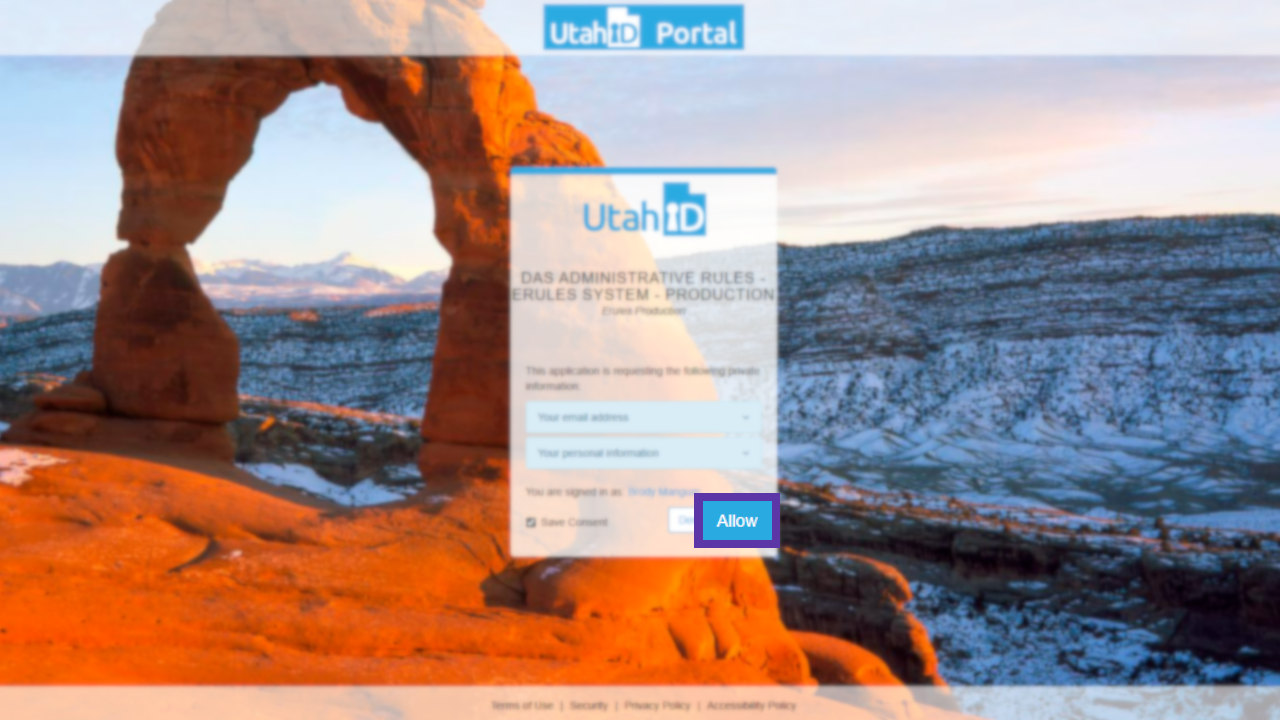
3. On the UtahID Portal screen, select Allow.
Note: To avoid potentially having to complete this process again, ensure the Save Consent checkbox is checked. This is not recommended on shared computers or devices.
4. When asked if you would like to petition for access, select Yes.

5. Select the agency to which you belong.

6. Confirm that the correct agency appears and select Yes.

7. A confirmation should appear stating that the user has been submitted for approval.

This process ties your UtahID to eRules. Ensure that both this and the Agency Access Form are completed. Once a Petition for Access and an Agency Access Form are submitted for a user, the Office of Administrative Rules will review and either approve the request or follow up with the user via email for more information.
Give feedback about this article
Submitting the Agency Access Form
1. Visit the
Agency Access Request Form. Ensure that the listed email matches your UtahID and is the same one that you logged into when petitioning through eRules. Once confirmed, select
Next.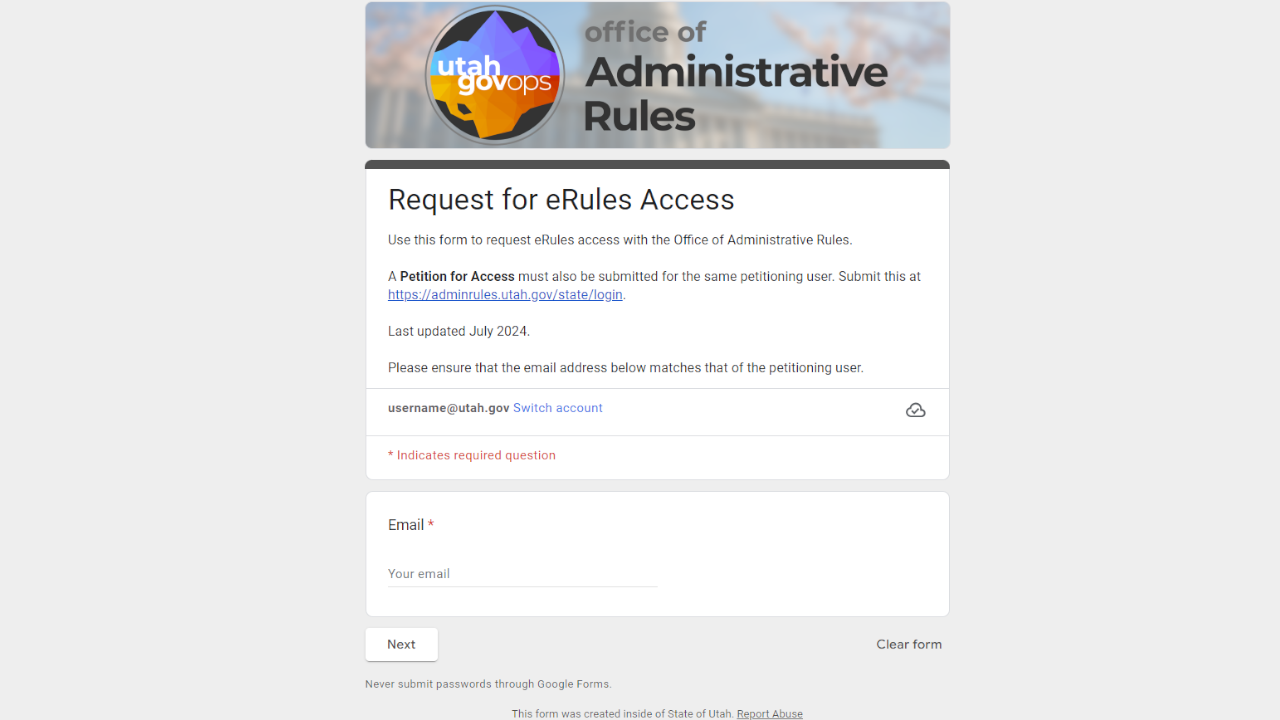
2. In the "Department information" section, select your department from the drop-down menu. When you have selected your department, press Next.
Note: If applying for access to more than one department, a separate Agency Access Request Form will need to be submitted for each department selection. This does not apply to selecting multiple agencies or titles under a department.

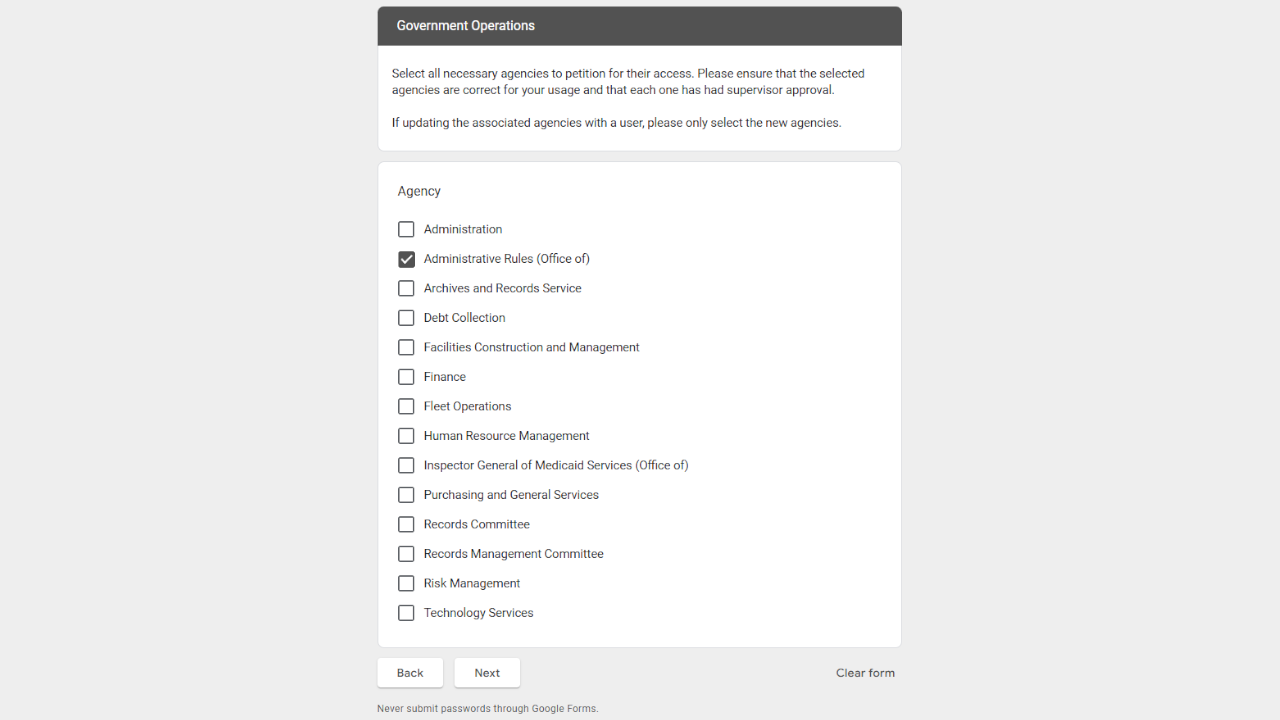
3. Verify that the selected department is listed on the section heading. Check the boxes of the requested titles. A minimum of one is required and there is no maximum limit. When the necessary agencies have been selected, select Next.
4. Enter your name, in the FIRST LAST format, under Name. Do not use titles or middle names.
Using only numbers (no hyphens or parentheses), enter a phone number under the Phone Number.
Enter your complete job title under the Job Title.
For users new to eRules, select New/First time user under Is this user...?.
Add any notes for the Office of Administrative Rules to review along with this access request, if desired, then select Next.

5. Enter the agency head's name, in the FIRST LAST format, under Agency Head Name. Enter the agency head's job title under Agency Head Job Title. Finally, either type or select, using the calendar icon, the date of submission. Verify that all information was added to this page and select Submit.
By entering the agency head's name, job title, and submission date in this form, you are verifying that the listed agency head has reviewed and approved the eRules Access submission and has asserted that the petitioning user act as a representative of the agency.

6. A confirmation screen will appear once the form has been submitted.

This sends required information to the Office of Administrative Rules. Ensure that both this and the Petition for Access are completed.
Once an Agency Access Form and a Petition for Access are submitted for a user, the Office of Administrative Rules will review and either approve the request or follow up with the user via email for more information.
Give feedback about this article
Changing Permissions
1. Visit the
Agency Access Request Form. Ensure that the listed email matches your UtahID and is the same one that you logged into when petitioning through eRules. Once confirmed, select
Next.
2. In the "Department information" section, select your department from the drop-down menu. When you have selected your department, press Next.
3. Verify that the selected department is listed on the section heading. Check the boxes of the requested titles. A minimum of one is required and there is no maximum limit. When the necessary agencies have been selected, select Next.
4. Enter your name, in the FIRST LAST format, under Name. Do not use titles or middle names.
Using only numbers (no hyphens or parentheses), enter a phone number under the Phone Number.
Enter your complete job title under the Job Title.
When updating an existing account, select Update to existing user under Is this user...?.
Add any notes for the Office of Administrative Rules to review along with this access request, if desired, then select Next.
5. Enter the agency head's name, in the FIRST LAST format, under Agency Head Name. Enter the agency head's job title under Agency Head Job Title. Finally, either type or select, using the calendar icon, the date of submission. Verify that all information was added to this page and select Submit.
6. A confirmation screen will appear once the form has been submitted.

This sends required information to the Office of Administrative Rules. The Office of Administrative Rules will review and either approve the request or follow up with the user via email for more information.
Give feedback about this article
Deactivating an Account
Note: an account may need to be deactivated by another person, for example, if a user leaves employment. Follow these same steps, entering the user's information and a note to the Office of Administrative Rules in step 4.
1. Visit the
Agency Access Request Form. Ensure that the listed email matches your UtahID and is the same one that you logged into when petitioning through eRules. Once confirmed, select
Next.
2. In the "Department information" section, select your department from the drop-down menu. When you have selected your department, press Next.
3. Verify that the selected department is listed on the section heading. Check the boxes of the requested titles. A minimum of one is required and there is no maximum limit. When the necessary agencies have been selected, select Next.
4. Enter your name, in the FIRST LAST format, under Name. Do not use titles or middle names.
Using only numbers (no hyphens or parentheses), enter a phone number under the Phone Number.
Enter your complete job title under the Job Title.
When removing an account, select Inactive user (remove permissions) under Is this user...?.
Add any notes for the Office of Administrative Rules to review along with this access request, if desired, then select Next.
5. Enter the agency head's name, in the FIRST LAST format, under Agency Head Name. Enter the agency head's job title under Agency Head Job Title. Finally, either type or select, using the calendar icon, the date of submission. Verify that all information was added to this page and select Submit.
6. A confirmation screen will appear once the form has been submitted.
This sends required information to the Office of Administrative Rules. The Office of Administrative Rules will review and either approve the request or follow up with the user via email for more information.
Give feedback about this article